 Notes
Take notes as you learn
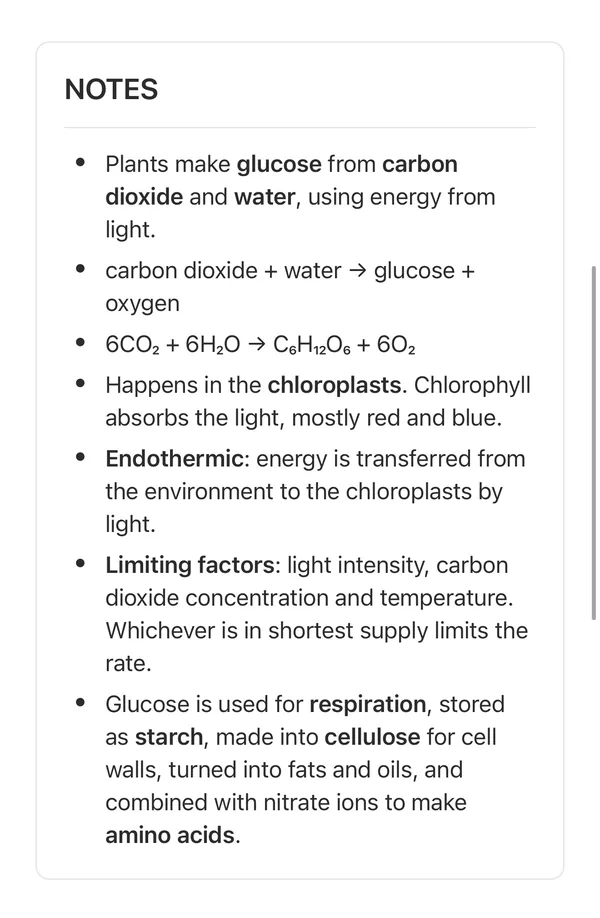
Write the key ideas in the wide notes column while the lesson or the reading is still fresh, in your own words.
Templates / Study

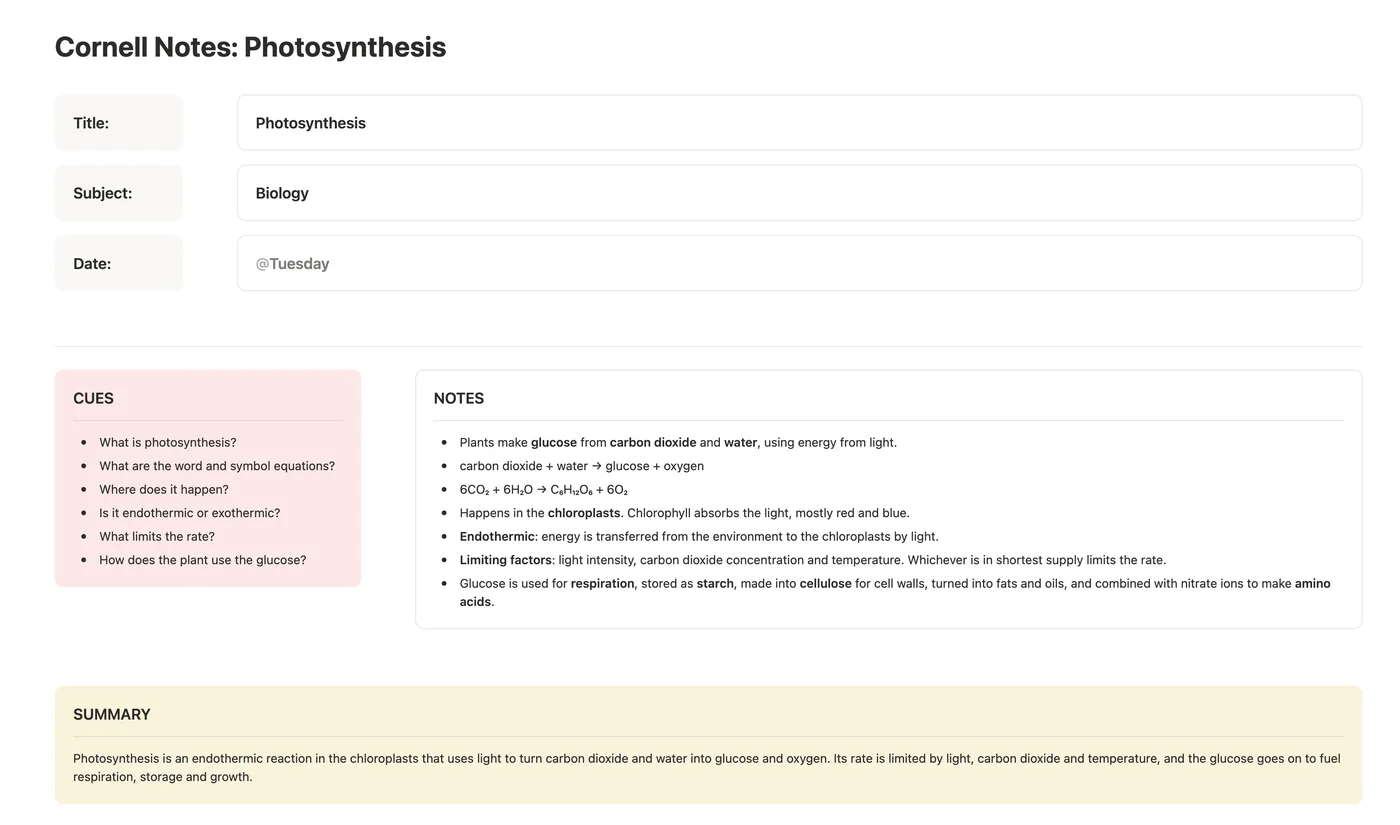
Note it. Question it. Sum it up.
The classic Cornell layout, ready in Notion: a cue column, a notes column and a summary on every page, so your notes turn into questions you can test yourself with.
Every template comes with example pages, so you can see how it works before you clear them and start your own.
Notes
Write the key ideas in the wide notes column while the lesson or the reading is still fresh, in your own words.
 Cues
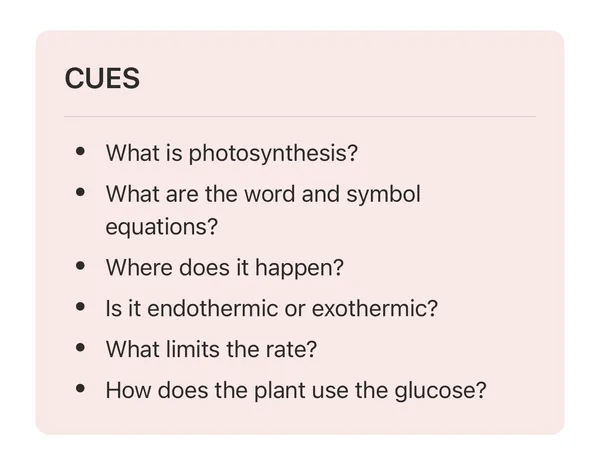
Afterwards, write a short question in the cue column for each idea. Cover your notes, read the cues and see what you can remember.
 Summary
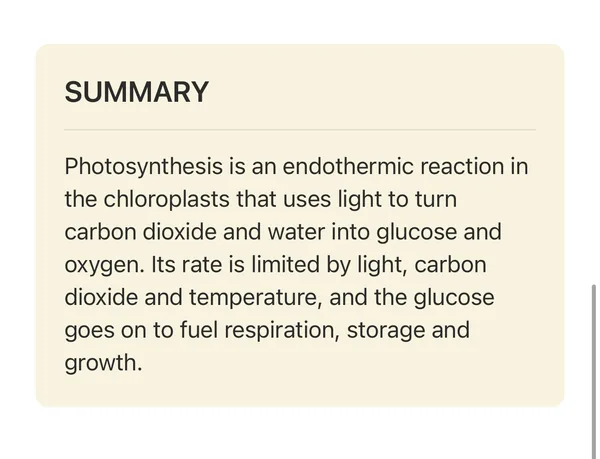
Finish with a short summary at the bottom of the page: the big idea, ready for when you come back to revise.
Checkout is on the Notion Marketplace. Duplicate it into your workspace in one click.
The other study templates, each with its own video.
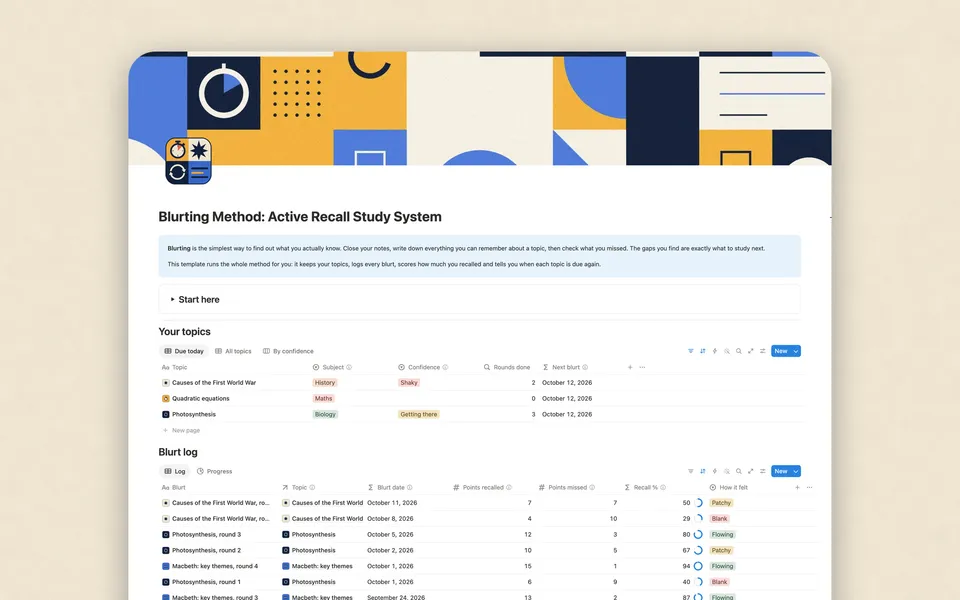
Write down everything you remember, check it against your notes, then come back to the gaps.
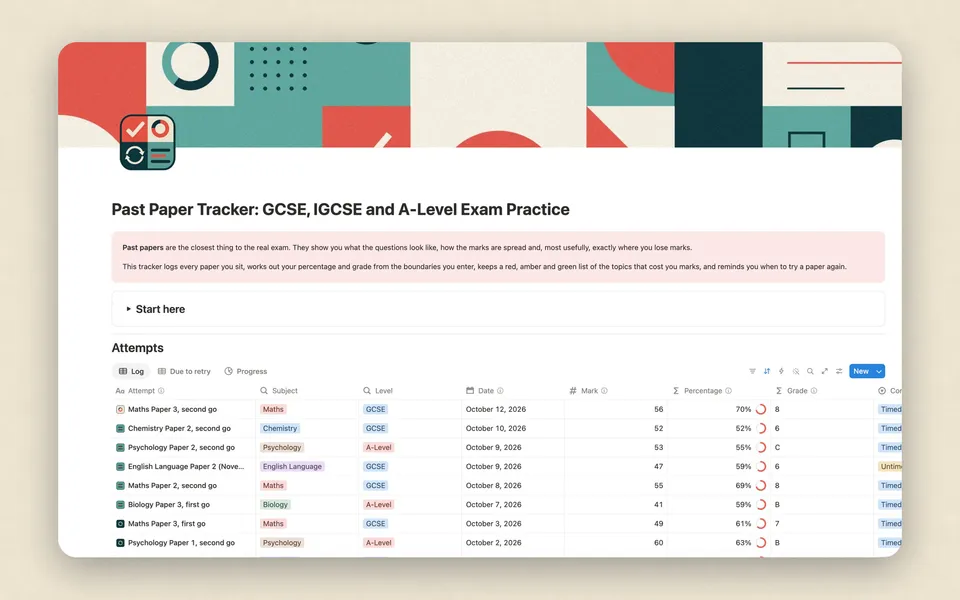
Marks, grades and topics to revisit for GCSE, IGCSE and A-Level past papers.
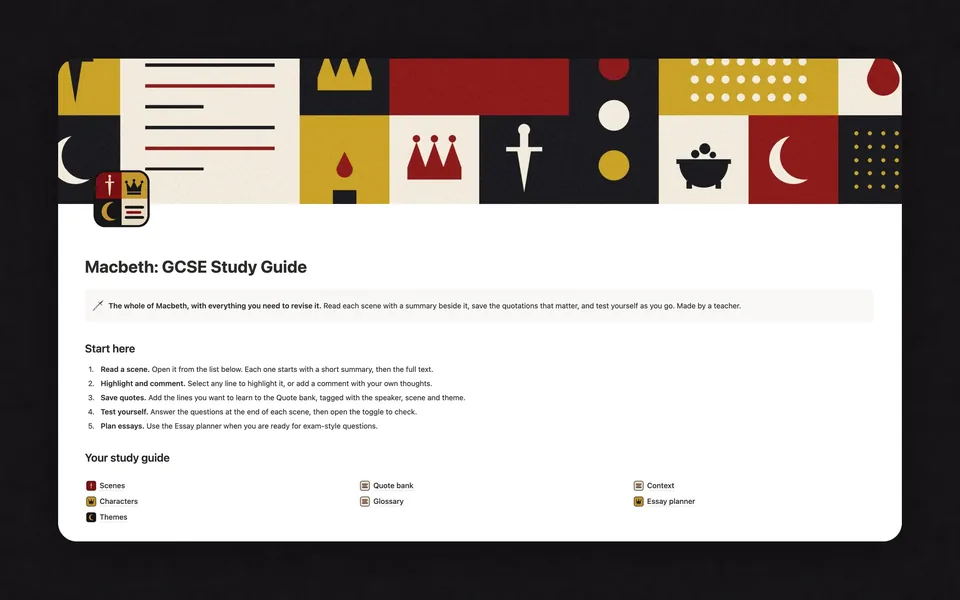
The whole play scene by scene, with summaries, characters, themes and a quote bank.